Speed or setup
Professional users keep hundreds of profiles in the browser and often create them in batches with identical settings. There were two ways to do this, and both were inconvenient.
| Quick profile | Full dialog | |
|---|---|---|
| Number of actions | 1 click | 10 actions for each next profile, up to 19 with advanced setup |
| What you can configure | 4 fields: OS, OS version, folder, proxy | 38 parameters across 2 tabs and 6 panels |
| What was missing | Tags, status, start pages, time zone, language | Profile type, tags, status and fingerprint modes aren't remembered |
Business goals
- Increase the total number of profiles created
- Improve conversion to profile creation
- Reduce churn
Constraints
- Each template covers one OS and one type of website
- Plan limits: 10 templates on Base, 50 on Team, 1,000 on Enterprise
- On free plans the feature is visible but leads to a plan upgrade
- Users can’t create more profiles than their own and their team’s limits allow
- Access depends on role: an admin shares with the whole team, a team lead with their media buyers
From interviews to backlog refinement
- 1First drafts and a pauseI sketched some options and realized I couldn't do without users: I didn't understand well enough how people actually create profiles
- 215 interviewsThis audience is reluctant to talk, but the picture came together quickly. People lose time on the same settings over and over and expect a solution next to the create-profile button, not in a separate section
- 3A prototype and a second roundI showed the prototype to the same users. The main change: templates moved from the left navigation, where product had proposed them, into the “Quick profile” menu
- 4From mockups to developmentI wrote up the task and took it through several PBR sessions: limits, roles, errors, upsell. I refined the mockups until engineering had no questions left

What I decided and why
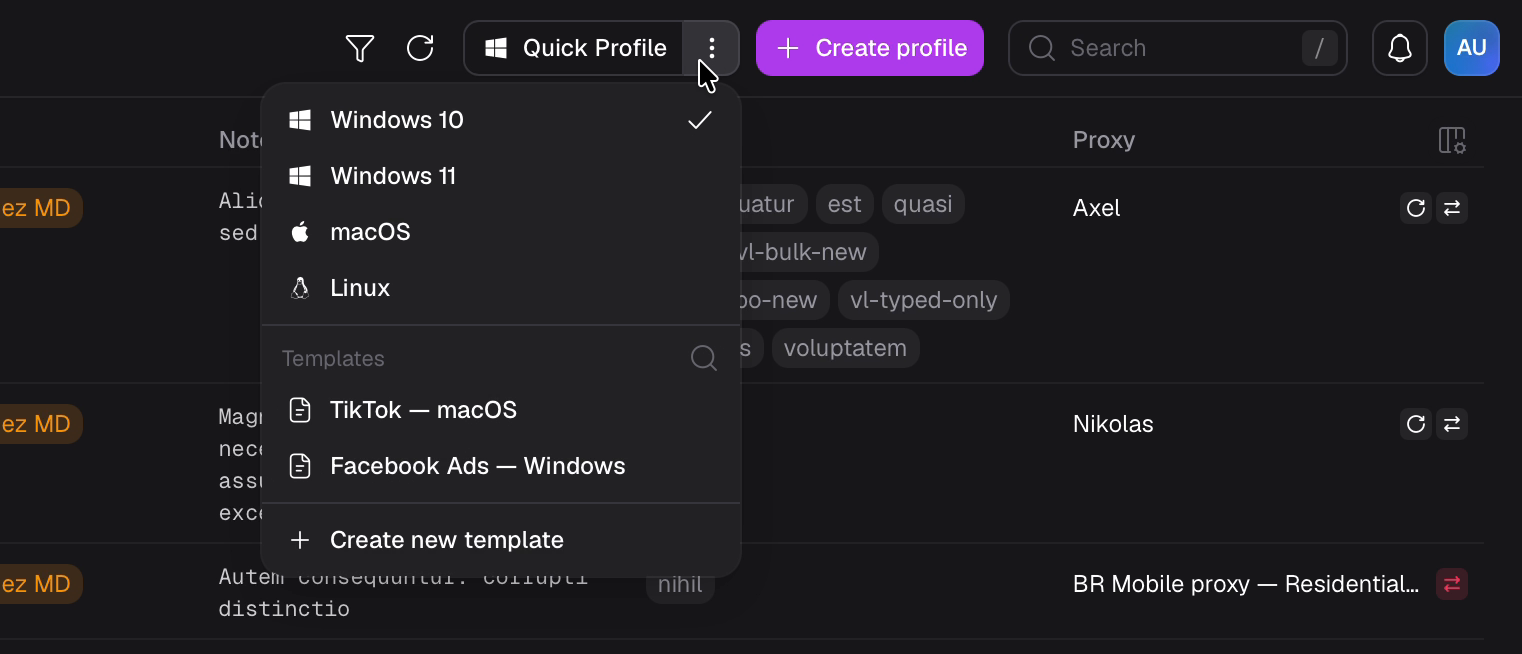
Product proposed putting templates in the left navigation. Interviews showed users look for them next to profile creation. So templates live in the “Quick profile” menu, under the OS choice
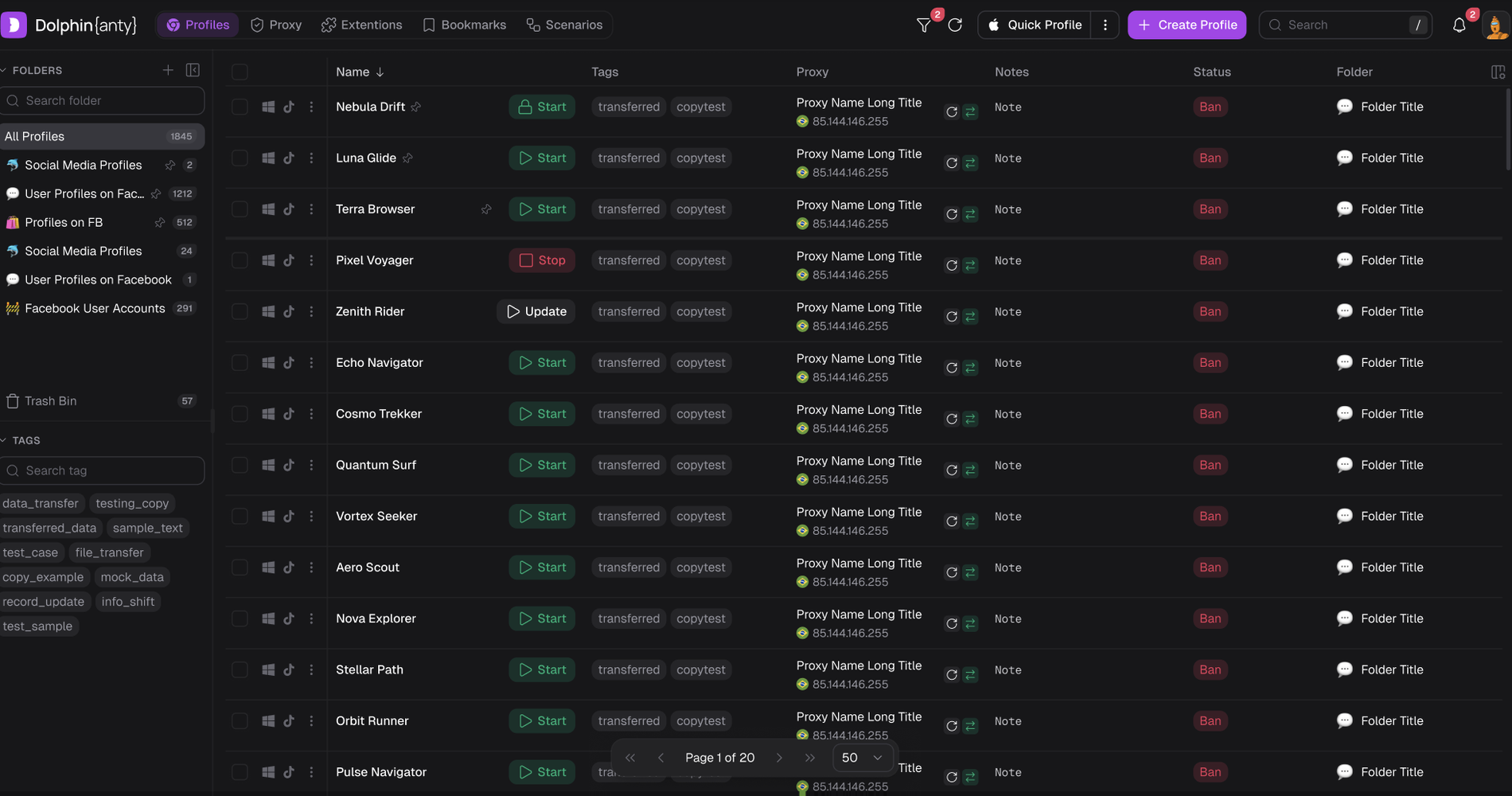
The selected template takes the place of the “Quick profile” label. Each click immediately adds a ready profile to the table, with no form and no “Save”
The fingerprint, User-Agent and random parameters are generated anew for each profile. Profiles from one template don't become copies of each other. For a multi-account browser this is critical
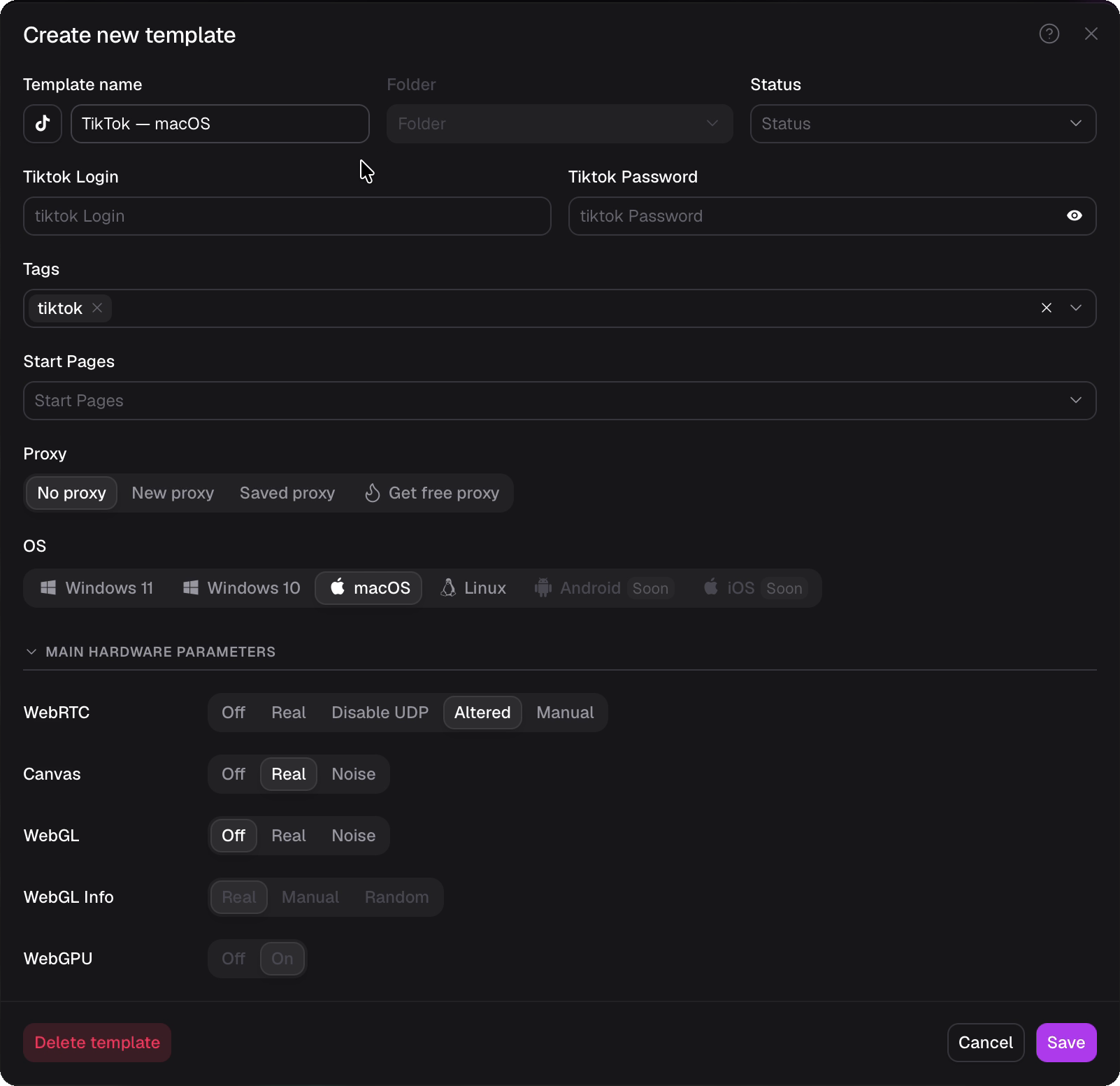
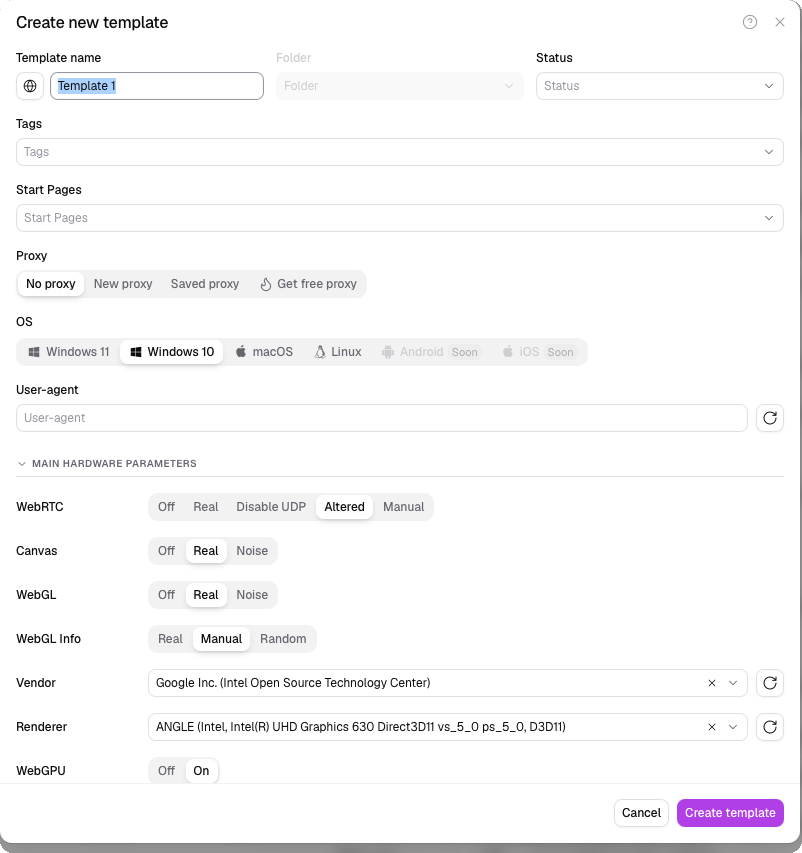
A template carries over what the quick profile couldn't: tags, status, start pages, notes, time zone, language, geolocation, WebRTC, Canvas, WebGL, fonts, proxy and other fingerprint parameters
The template window mirrors the full profile creation dialog, so there's nothing new to learn. Fingerprint parameters are picked with one-click segments, and some have a Random mode
You can't request more profiles than your limit allows. If it's used up, a dedicated dialog explains why and offers a higher plan
On Free, Starter and Free Plus the feature is visible. On click, users see which plan unlocks it instead of hitting a grayed-out button
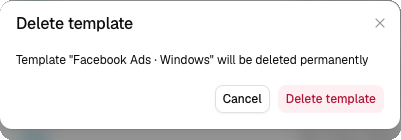
When downgrading, templates are kept but become unavailable, and the user sees a dedicated dialog about it. Accumulated templates are something a person loses by leaving a paid plan
The entry cost. The first profile in a batch costs about the same as before: a template is filled in using the same form as the full dialog. The gain starts with the second profile.

10 actions became one click
Creating a batch of profiles came down to picking a template, with no spreadsheets and no repeated setup. Teams work from shared templates, and the feature itself drives paid plans: it's available from Base, the limit grows with the plan, and on downgrade templates become unavailable. After release we got lots of positive feedback: users finally stopped configuring every profile by hand.
How the estimate works. A team creates 50 profiles a week with advanced setup. Each profile saves 18 actions, and one action takes about 2 seconds. That's 900 actions, or about 30 minutes a week per team. This is an example with assumptions, not user data.
What we measure next
I built product events into the feature and defined six metrics for Amplitude. The main ones:
- Share of profiles created from a template — awaiting data
- Teams that come back to templates repeatedly — awaiting data
- Subscription renewals among template users — awaiting data
The template menu was turned on behind a flag, so part of the audience can serve as a control group. That lets us compare metrics like an A/B test, not just “before and after”.