Color hard-coded into hundreds of files
After the redesign the product gained a lot of new interface, and there are few designers. Much of the colors, sizes and radii were hard-coded as numbers. Any change turned into a search across the whole project.
What this looked like in practice: reducing the font size from 16 to 14 meant editing 191 files, and changing the radius from 4 to 8 meant 109 files.
What we needed
- Design and code speak the same language and don’t drift apart over time
- Light and dark themes without manually repainting every screen
- A small team keeps pace with the product, and minor visual fixes don’t wait on engineering
One vocabulary for design and code
- 1BaseWe took shadcn/ui and redrew it for Dolphin{Anty} with the brand purple
- 2Five layers of variables in FigmaFoundation (311), semantic (44), components (230), size (7), typography (80), each with light and dark modes. A component token references a semantic one, which references a base one, so one change propagates to all components and both themes
- 3Matching the codeWe aligned the palette in code with the Figma variable values, so every color in the mockups has a twin in code with the same meaning
- 4Claude in the repositoryTogether with the developers we set up the product code and opened it in Claude Code. The repository has a README and CLAUDE.md with project rules, and Claude is connected to Figma through MCP
- 5DocumentationWe started moving components to Storybook, so engineering and design share one living showcase
foundation 311
accent/500 · #8b5cf6accent/600semantic 44
bg/brandtext/linkcomponents 230
button/primary/bgalert/info/borderinterface
Create profileTemplate savedOne value in foundation flows through semantic and components all the way to finished buttons and alerts

How it works day to day
With each such loop the system gets stricter and the fixes fewer. We reviewed 215 redesign changes: on average each matched the mockup in 2 iterations.
Component states
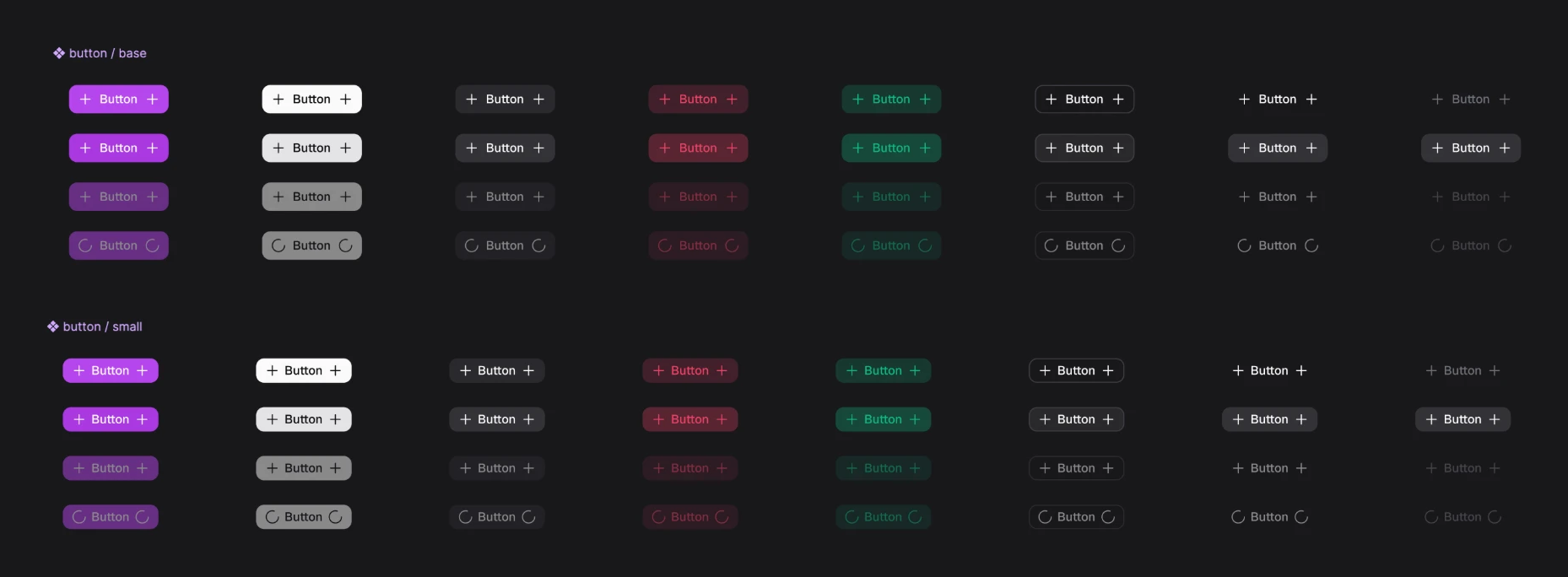
Every component in the library comes in all states and sizes: buttons, alerts, badges, form fields, dialogs, pagination, and more.
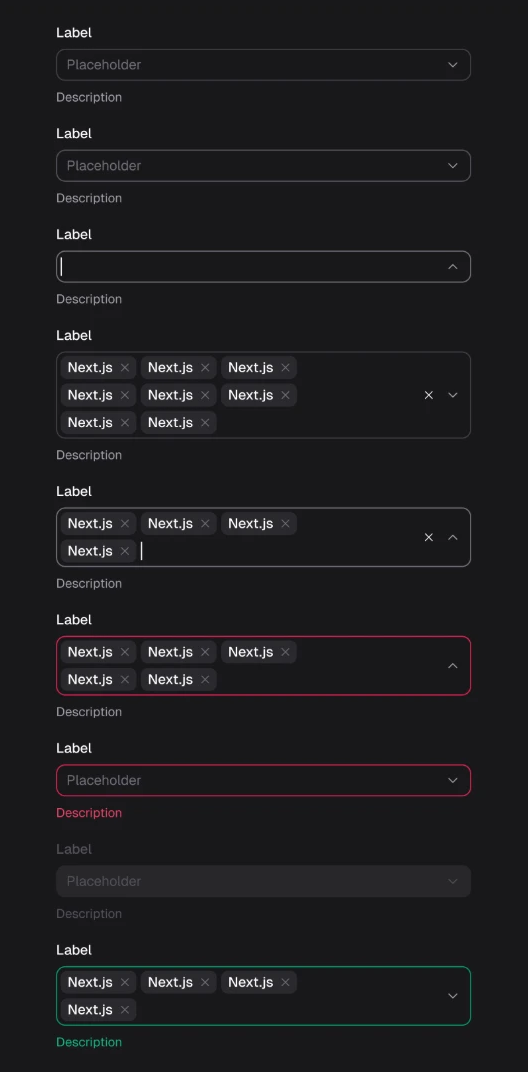
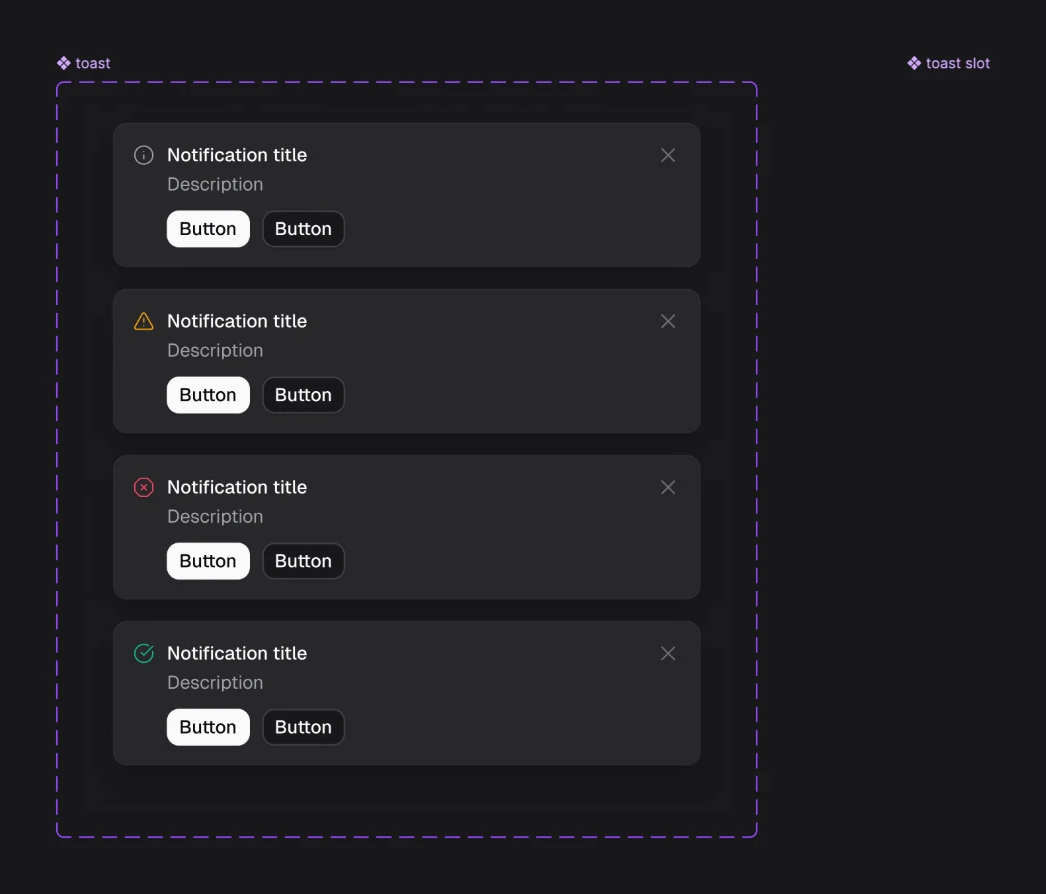
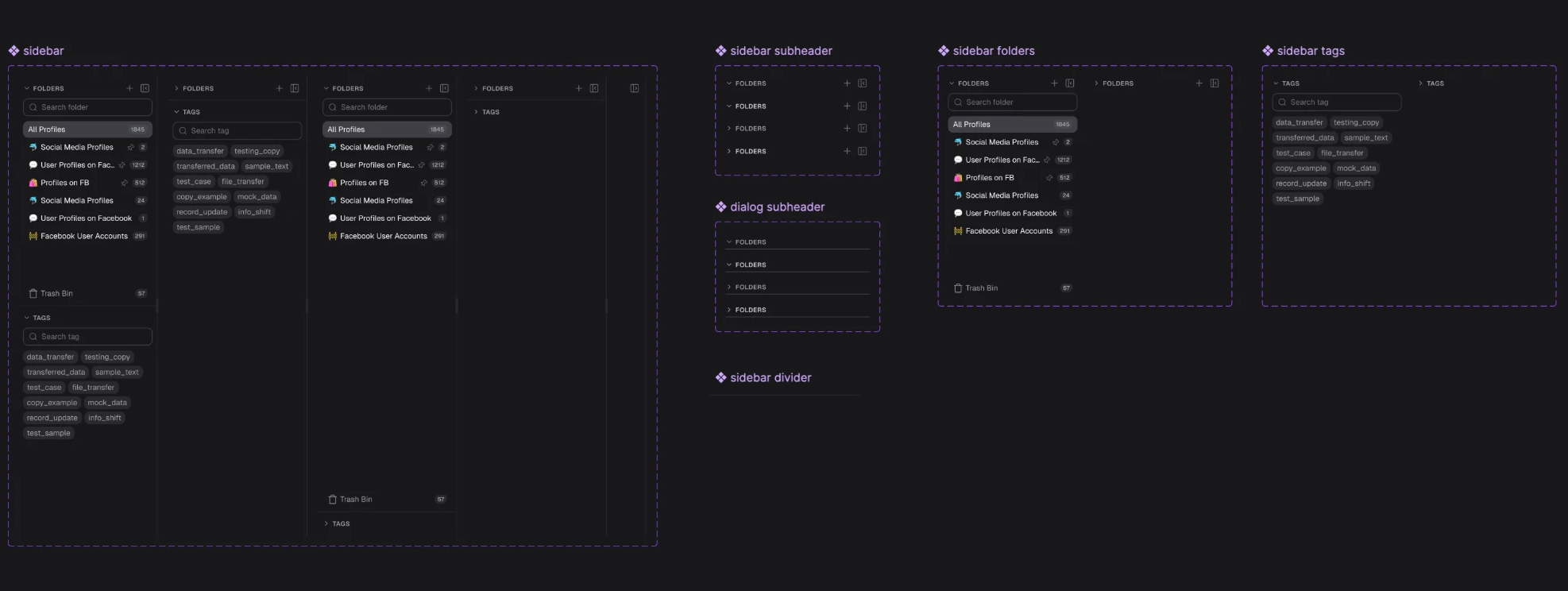

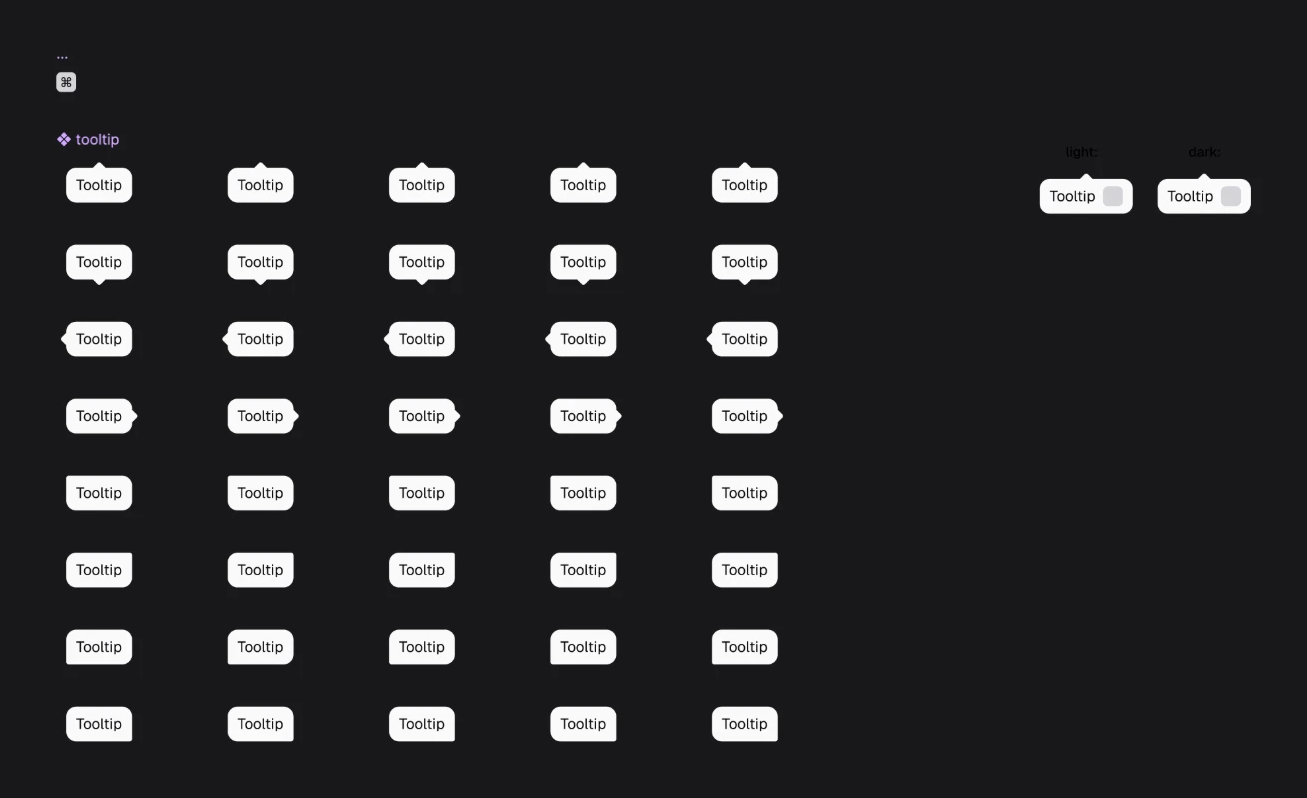
Reducing the font size from 16 to 14 meant editing 191 files by hand. The next day it had to go down again, from 14 to 12. By then it was a single line in a token.
One edit instead of hundreds
Before / after
| Metric | Before the redesign | In the redesign |
|---|---|---|
| Hard-coded colors (HEX) | 302 | 114 |
| Components with all colors on tokens | 79% | 89% |
| font-size in px | 1130 | 191 |
| Hard-coded colors per 1,000 new lines of styles | 44.9 (before tokens) | 2,2 |
What it gives the team
Mockups are recolored in one click, and both themes are supported with no manual work. A designer fixes discrepancies with the system in minutes instead of filing a backlog ticket
Instead of searching hundreds of files, you change a token value. Reviewing visual changes comes down to a couple of lines
Visual changes no longer eat up sprints. A small design team gets more done, because AI handles the routine of bringing screens in line with the system
How the estimate works. Without tokens, each of the 1,211 places would have to be found, edited and checked by hand. At 1.5 minutes per place, that's about 30 hours of a frontend developer's time, almost 4 working days. With tokens, the same changes took edits to a few files. The estimate excludes designer time and future recoloring. Every new palette or theme change saves as much again.
Changing the backdrop color under modals used to be a big task: find every place and change it by hand. Now it's enough to show Claude the mockup, and it finds the right token and changes it everywhere.
The next step is corner radii: they aren't on tokens yet and are the nearest candidate to bring into the system.